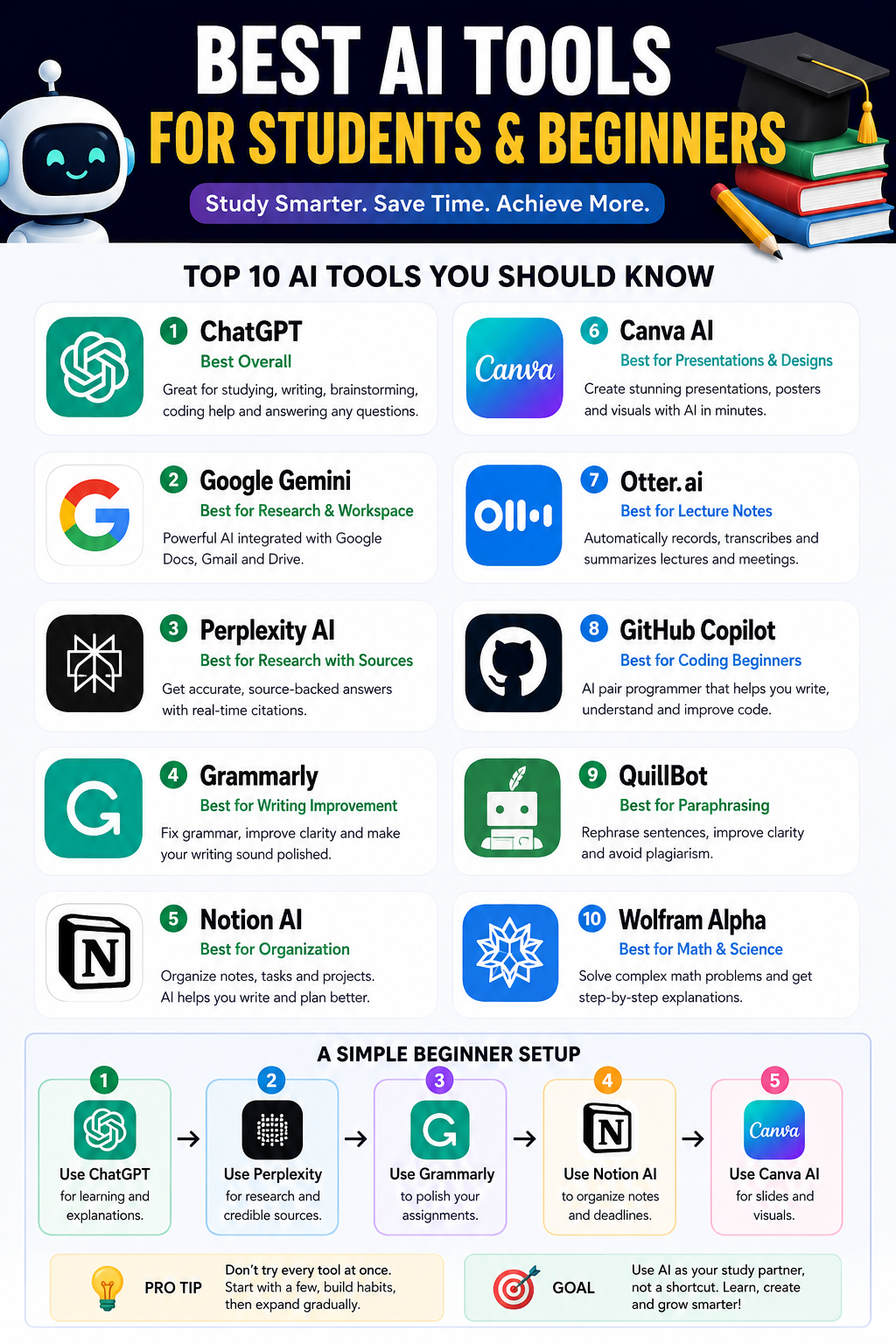
The best AI tools for students and beginners are the ones that save time, explain clearly, and don’t require technical skills. You don’t need 20 apps. Start with 4–6 solid tools and learn how to use them well.
Here are the strongest beginner-friendly options in 2026:
| Tool | Best For | Why It’s Great for Beginners |
|---|---|---|
| ChatGPT | Studying, writing, brainstorming, coding help | Easy conversational interface; works for almost everything |
| Google Gemini | Research, Google Docs workflows | Excellent if you already use Gmail, Docs, and Drive |
| Perplexity AI | Research with citations | Gives source-backed answers instead of vague summaries |
| Grammarly | Grammar and writing improvement | Helps essays, emails, and assignments sound polished |
| Notion AI | Notes and organization | Great for study planning and managing projects |
| Canva AI | Presentations and designs | Extremely beginner-friendly drag-and-drop design |
| Otter.ai | Lecture transcription | Automatically turns lectures into notes |
| GitHub Copilot | Coding students | Helps write and explain code faster |
| QuillBot | Rewriting and paraphrasing | Useful for improving sentence clarity |
| Wolfram Alpha | Math and science | Excellent step-by-step problem solving |
- Best overall: ChatGPT
- Best for research: Perplexity AI
- Best for writing: Grammarly
- Best for organization: Notion AI
- Best for presentations: Canva AI
- Best for coding beginners: GitHub Copilot
A simple beginner setup
- Use ChatGPT for learning and explanations.
- Use Perplexity for research and sources.
- Use Grammarly to polish assignments.
- Use Notion AI to organize notes and deadlines.
- Use Canva AI for slides and visuals.
That combination covers almost everything a student typically needs.
A common recommendation from both reviewers and student communities is: don’t try every AI tool at once. Start with one or two, build habits around them, then expand gradually.